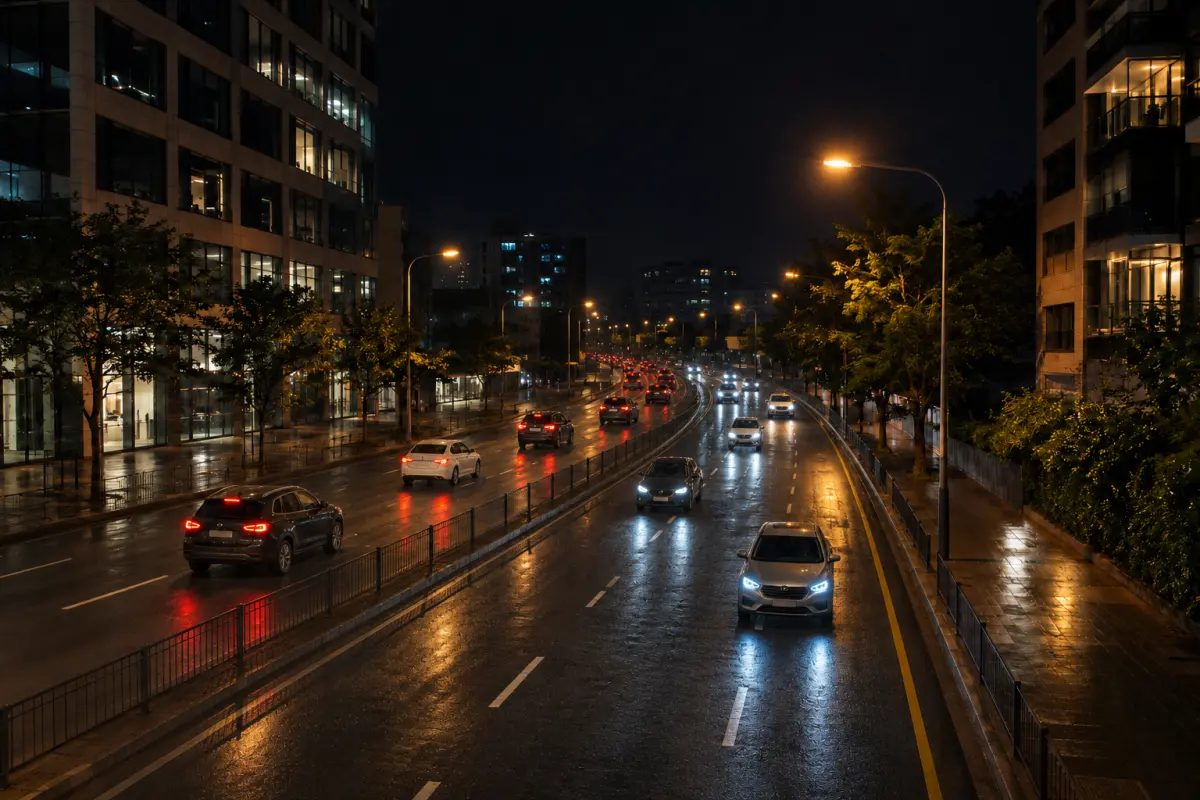

Live Photos
Save supported captures as Live Photos, so the moment keeps moving.
Hover or tap to playFor iPhone · iOS 18 or later
Keep the view and your reaction. Let light linger. DuoShutter brings dual-camera capture, slow-shutter effects and Live Photos into one considered camera.
Available in supported App Store regions
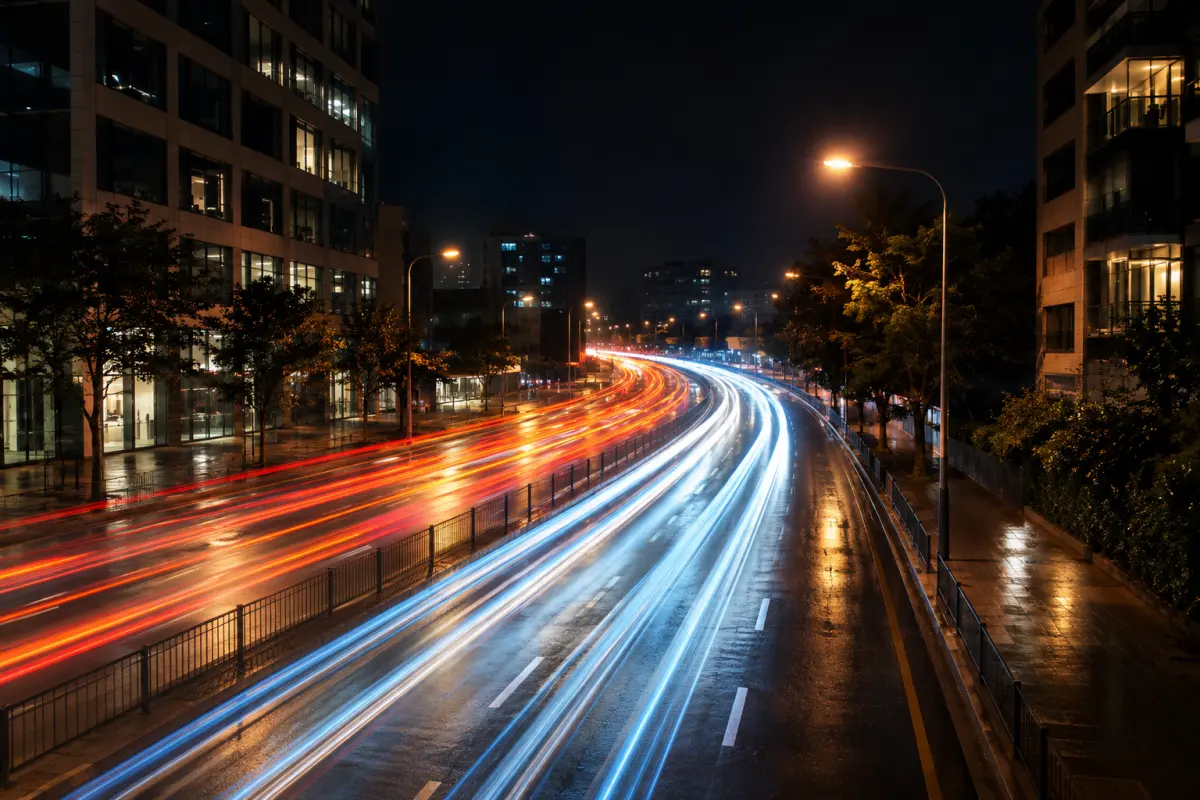
Change the shutter and watch time stretch. Generative illustration · not captured footage
Most cameras make you choose: the view, or yourself in it. DuoShutter keeps both — and gives moving light a little more time.
01 — Dual camera
Put the rear and front cameras in one photo — the view above, your reaction below.
Keep the scene full-frame, with your own perspective tucked into an inset window.
Record front and rear side by side in a single video. 1080p is free; Pro unlocks the highest quality your iPhone can sustain.
Simultaneous front and rear capture requires a compatible iPhone. Modes your iPhone does not support are hidden, not broken. Phone screens on this page are illustrations with AI-generated imagery, not photos taken with DuoShutter.
02 — Slow shutter
Build light trails, soften moving water or quiet a busy scene. Short captures work handheld; longer exposures want a steady phone or tripod. These are computational effects, with results shaped by the scene.
Interactive illustration, not captured footage. Short exposures are free; longer exposures are part of Pro.
03 — Live & beyond
Save supported captures as Live Photos, so the moment keeps moving.
Hover or tap to playTurn audio on for Live Photos and video, or keep it quiet.
A Watch companion provides shutter and status controls.
Free or Pro, your captures carry no logo.
Pro adds advanced camera controls on iPhones that support them.
Save to Photos and share with the tools you already use.
04 — Private by design
No DuoShutter account. No advertising SDK. Capture processing stays on your device. You choose when to save or share.
Read the privacy policyOpen the app and shoot. There is nothing to sign up for.
No advertising or third-party analytics SDK inside.
Capture processing stays on your iPhone. No media-upload server.
Photos access is used to add your captures, not to read your library.
05 — Pricing
Core capture tools are free, with five successful Pro captures to explore the extras. Both Pro plans unlock the same features.
$0Core camera
$3.99per year · US price
$6.99one-time · US price
The new yearly price applies from November 20, 2026, by storefront. Check the App Store before purchase for local prices, eligibility and terms. Feature availability varies by device. The five-capture allowance is separate from the subscription’s free trial.
DuoShutter is available from the App Store in supported regions. Availability depends on your Apple Account region. Mainland China availability is pending.
Simultaneous front and rear capture depends on iPhone hardware and current camera availability. Modes your iPhone does not support are hidden. DuoShutter requires iOS 18 or later.
Short slow-shutter captures work handheld. Longer exposures need a steady phone, so put your iPhone on a stable surface or tripod and check the stability indicator.
No. Capture processing stays on your device, and there is no DuoShutter account, advertising SDK or media-upload server. You choose when to save or share.
Five Pro captures are an app allowance used after successful saves. The three-day introductory offer is a separate Apple subscription offer for eligible users; it converts to yearly billing unless canceled.
Use Restore Purchases in Settings or on the Pro page while signed in to the Apple Account used for purchase. Manage or cancel a subscription in Apple Account settings; deleting the app does not cancel it.

An iPhone camera for the scene in front of you, and the life happening around it.
The link opens the US listing. Download availability depends on your Apple Account region.